HOA Cloud Community association platform
One community. Several kinds of access.
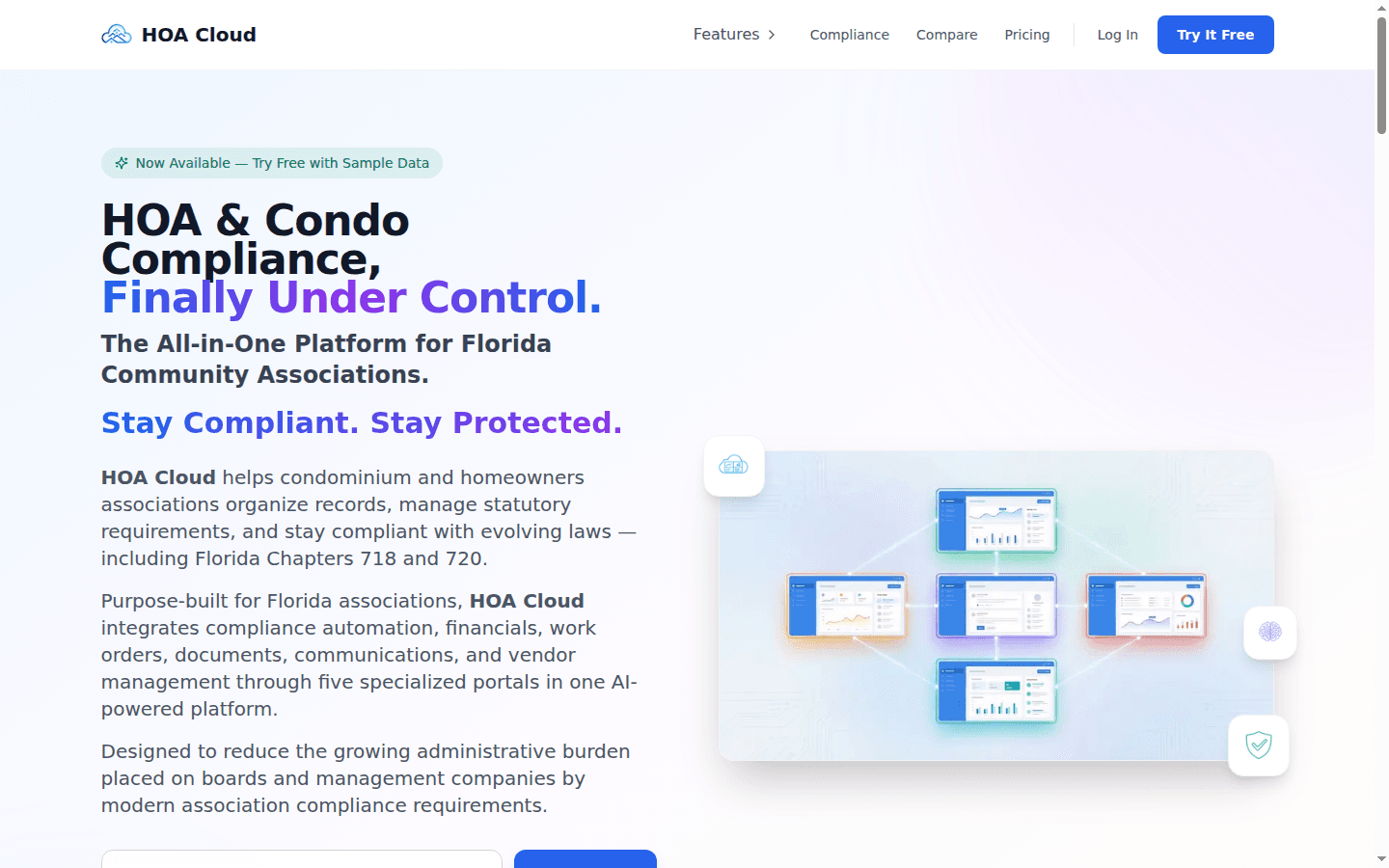
HOA Cloud brings community websites, resident services, board work, and shared documents into an association platform with role-specific experiences.
- Organization
- Association
- Public surface
- Community website
- Private surface
- Role-based services
The same community looks different from each side.
Resident
Find information and follow a request
A resident needs access to relevant documents, meeting information, payments, and requests. The interface should make the status of their own business with the association understandable.
Board and management
Organize shared responsibilities
Board members and managers work across documents, meetings, architectural requests, and maintenance. Their view needs the context to coordinate decisions and keep the association’s information current.
The website is the front door, not the entire building.
A community website has a public role: explain the association and publish information meant to be available there. The association also handles work that belongs inside a resident, board, or management experience. Treating every page and document as equally public would collapse that distinction.
HOA Cloud connects those surfaces within a platform built for multiple associations. Each community has its own context, while people receive interfaces appropriate to their role. The software has to keep track of both the association and the person working inside it.
That is a different problem from building a standalone brochure website. Publishing, membership, document access, and operational requests all share the same community identity.
An architectural request illustrates the coordination problem.
Submit with context
A resident brings a proposed change into the association workflow, with supporting information attached to the request.
Review in the right place
The board-facing experience gives the people responsible a place to consider the request within the community’s process.
Keep the record accessible
The request and its progress remain part of the resident and association record, instead of existing only in an email thread.
Support the process without pretending software makes the decision.
Association work involves policies, responsibilities, and judgment. Software can organize documents, expose status, and support the handoff between residents and the board. The decisions still need to fit the community’s actual governing process.
The design question is how a shared product can serve different communities while preserving their boundaries and responsibilities. Role-specific experiences let each person participate in the part of the process they are responsible for, with the association’s context carried through the work.
For your business
Building a portal for several organizations?
Define the organization boundary and the responsibilities of each role before designing the screens. Public publishing and private work need clear places in the same system.
Services behind this work
- Custom Business Software
Connect quoting, scheduling, job records, and invoicing around your actual workflow.
- AI & Operations Consulting
Decide what to improve, connect, or build before committing to a platform.
Continue exploring
- HOA Hunter
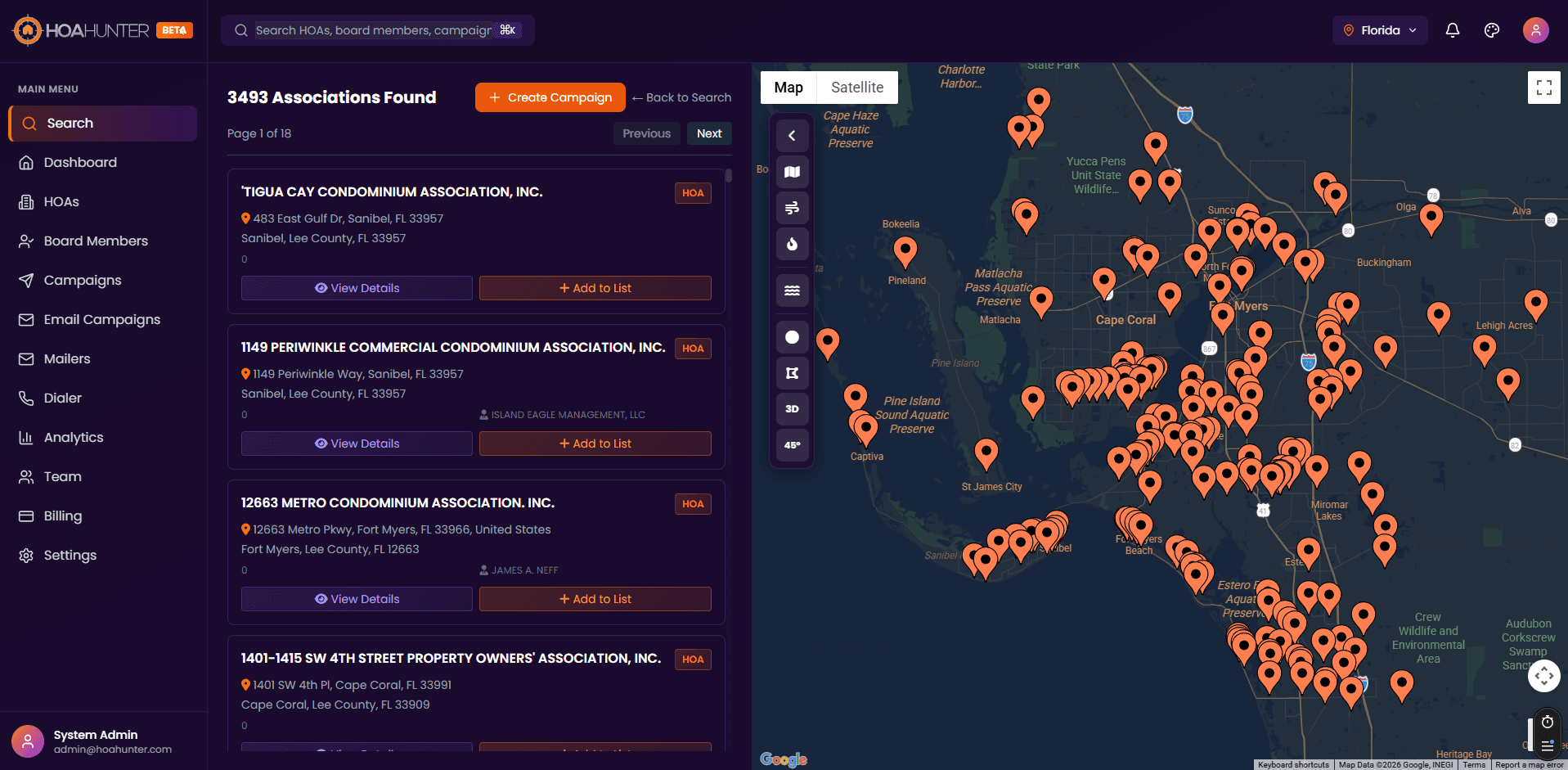
Start with a territory. Keep the context through the follow-up.
- CASO Comply
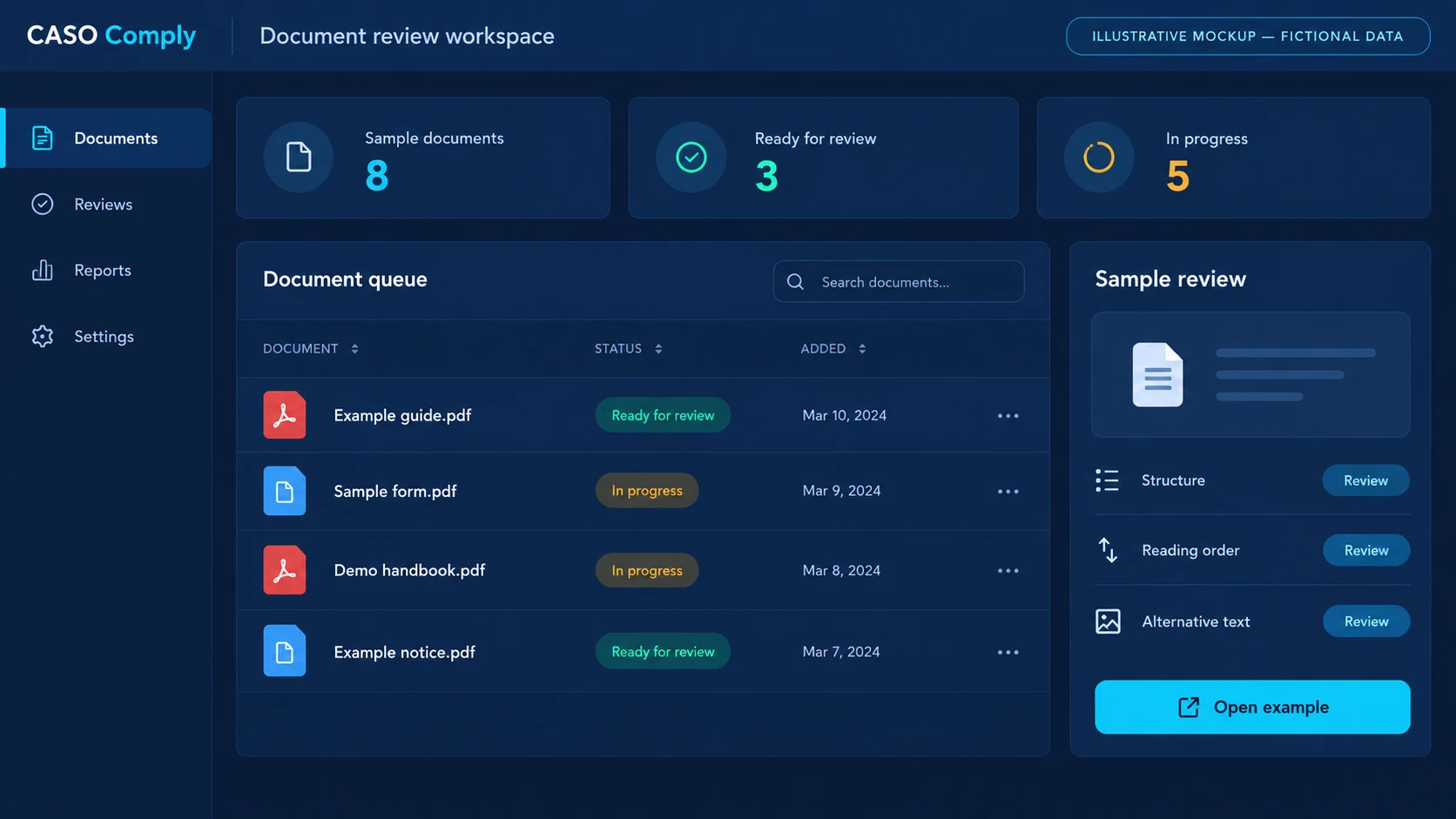
Make the document’s next step visible.