Cougar Companies Heavy civil construction
A public website and the business system behind it.
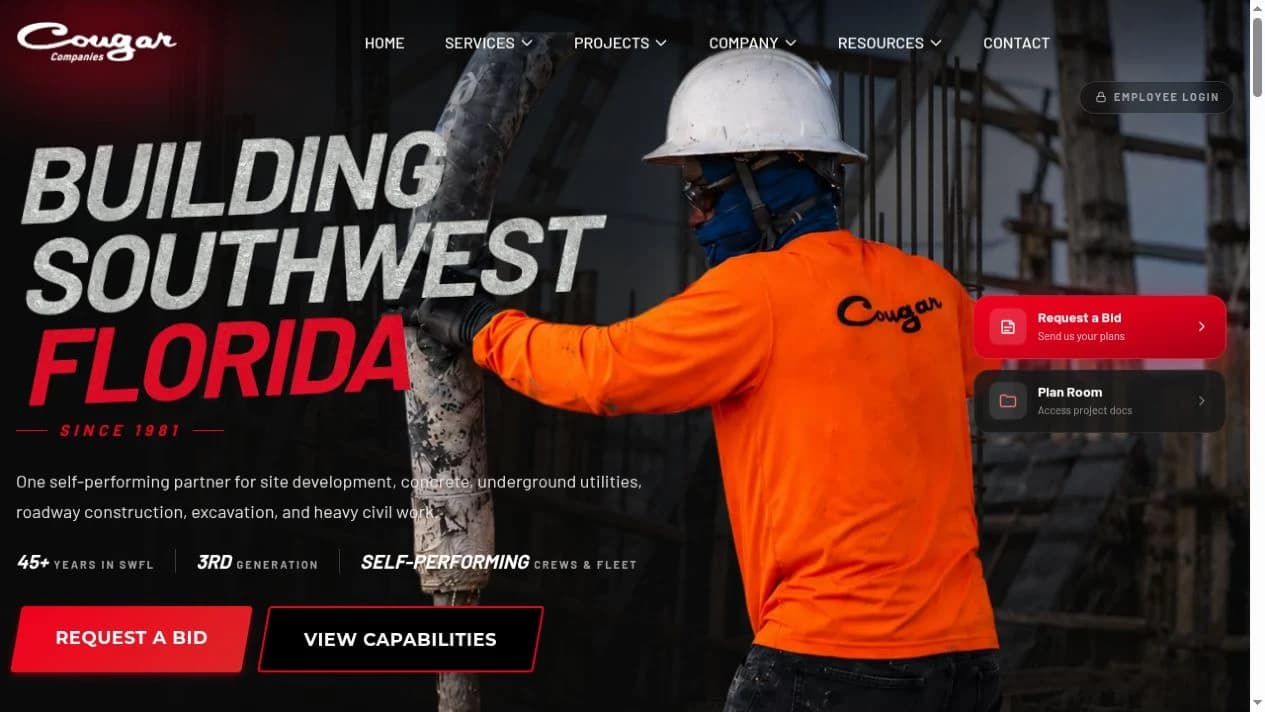
Cougar Companies connects a distinctive public website with a custom admin system for bids, vendors, inquiries, and the work behind the business.
- Business
- Heavy civil contractor
- Region
- Southwest Florida
- Audiences
- Customers, vendors & team
The project brief
Three visitors arrive with three different jobs to do.
A prospective customer wants to know whether Cougar can handle the work. A subcontractor wants access to the right bid information. Someone inside the company wants to know who reached out and what needs a response. Sending all three through a general contact page would leave most of the process outside the website.
The Cougar Companies project addresses those paths together. The public site presents the contractor’s services and work; a vendor Plan Room supports bidding activity; lead information connects inquiries back to the people managing them.
For a third-generation heavy civil contractor in Southwest Florida, that combination gives the digital presence a practical role alongside the company’s established reputation.
From public proof to a useful next step.
Understand the service
Service pages make the kind of work clear. The visitor can begin with the relevant capability instead of interpreting a generic company description.
Ask in context
Equipment-themed chat interfaces relate to the service page. A conversation about excavation begins with different context from an inquiry about concrete.
Enter the right process
A customer inquiry and a vendor registration serve different purposes. The site provides distinct paths for contacting the team and participating in the Plan Room.
Keep the signal
Phone attribution, form submissions, and chat activity contribute to the internal lead picture. An inquiry retains context beyond the page where it started.
The customer path and the vendor path have different contracts.
Customer inquiry
Make the conversation relevant
The public experience connects service information with questions about the visitor’s project. Contextual chat and forms create ways to begin a useful conversation with the company.
Vendor participation
Make the bid information usable
The Plan Room supports registration, approval, access to documents, and bidding activity. Reminders and activity records give the workflow continuity beyond the initial invitation.
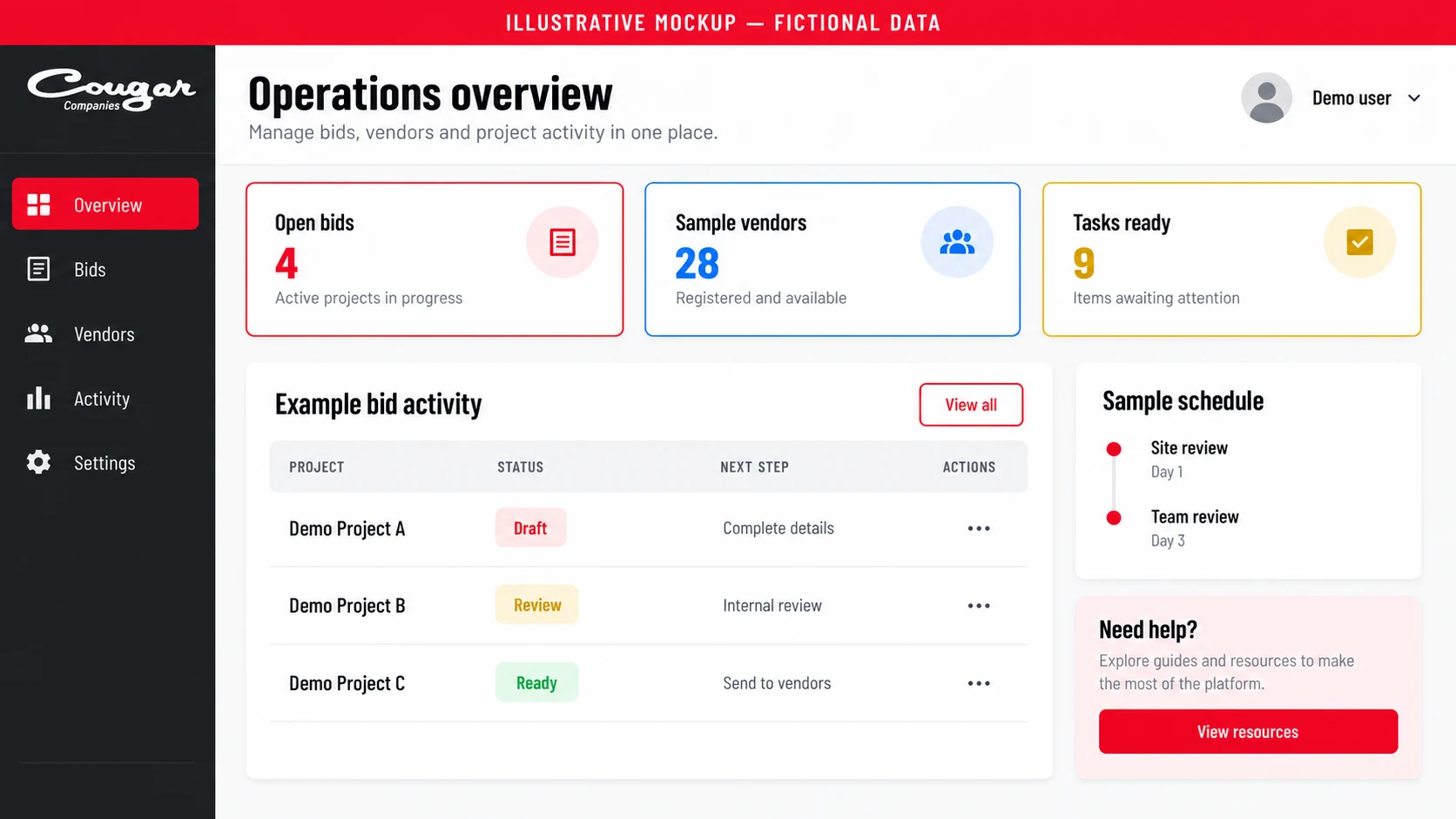
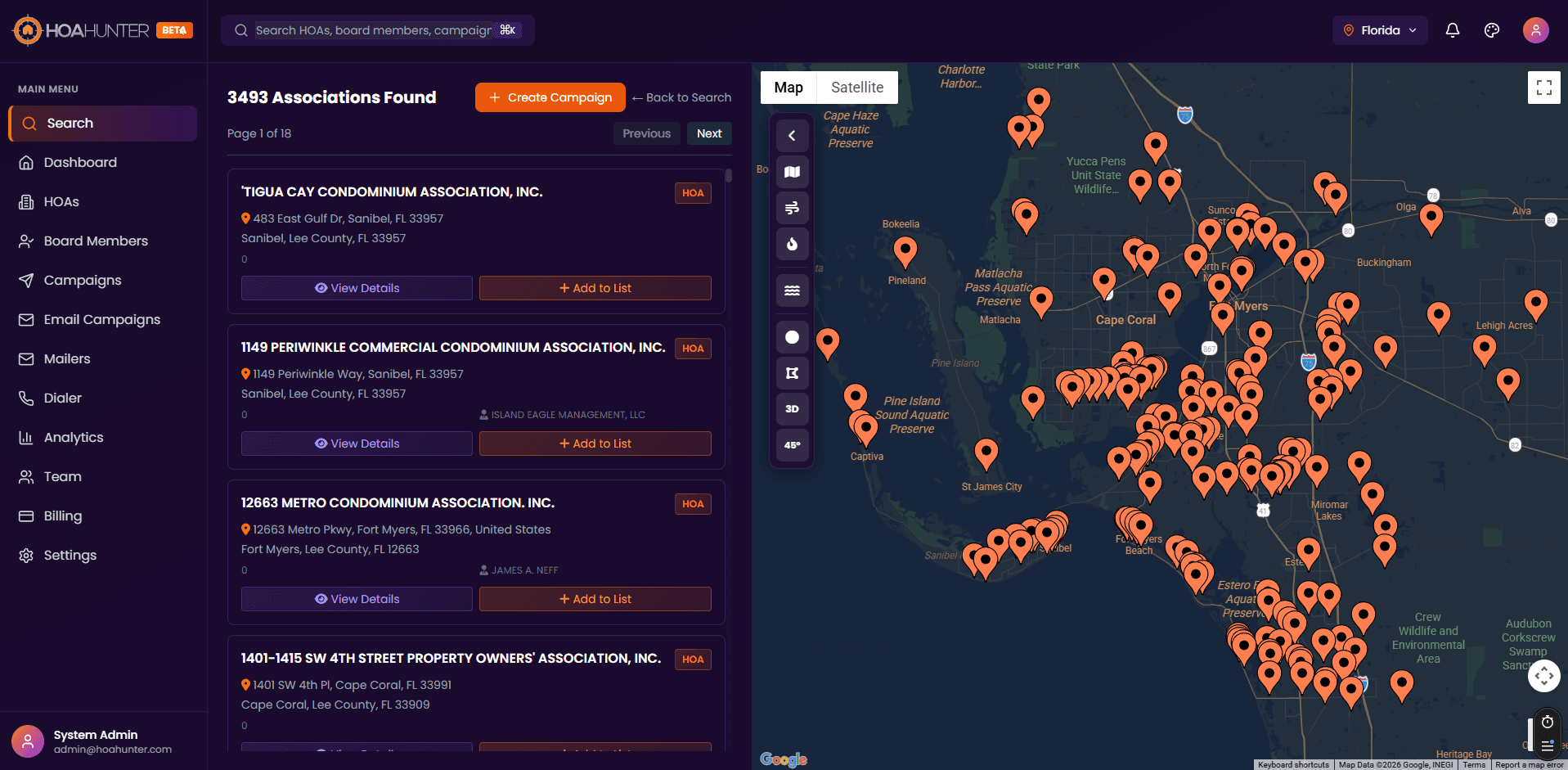
The admin dashboard is the working system.
Behind the public website, the admin dashboard gives the company a working interface for the custom system. Bids, vendors, content, and business tools are organized around what the team needs to do next.
CallRail information, website forms, and chatbot conversations are different sources of inquiry. Bringing them into a common view makes it possible to examine activity without treating each channel as an isolated inbox. The platform also includes an AI insight feed to summarize that information.
The point of the build is the continuity between the public website and the business process behind it. A visitor learns about a service, makes an inquiry, or joins a vendor workflow; the relevant information has somewhere to go.
A service inquiry and a bid submission can begin on the same website while following different paths inside the business. Designing those paths together gives the public site a role that continues after the visitor leaves the page.
For your business
Design the public experience and the working system together.
Give customers a clear way in and give the team a useful place to act. The website, portals, and admin workspace should carry the same business context through each step.
Services behind this work
- Custom Business Software
Connect quoting, scheduling, job records, and invoicing around your actual workflow.
- AI Workflow Automation
Turn calls, documents, and job updates into useful records and actions.
Continue exploring
- Brandeezy
Give the next image the context of the whole brand.
- Metalcrafters
Software shaped around a fabrication business.