Skip to content
WINSTON FOWLKES

Jacksonville, Florida.
Working wherever good projects happen.

winston@winstonf.com

Keep the knowledge. Replace the workarounds.

An old CRM can hold years of valuable customer history and still make every new job harder than it should be. I help businesses plan and build its replacement, carrying forward the records and operating rules that matter while removing the limits of the old system.

Jacksonville based. Serving Florida and remote clients.

Start a conversation

When the business has grown beyond what the old system can handle.

  • Only a few people know how to maintain the desktop software.
  • New branches or field crews need access the system cannot easily provide.
  • Your real quoting process happens in spreadsheets outside the CRM.
  • You want to modernize, but a rushed switchover would disrupt daily work.

Built around the operation.

01

Understand what the old system really does

Inventory the records, reports, permissions, and exceptions your team depends on. Some of the most important requirements live in a spreadsheet next to the CRM or in the habits of an experienced employee.

02

Plan the data move before the launch

Review exports, duplicates, field mappings, and record relationships. Agree on what moves, what stays available as history, and how the team will check the migrated information.

03

Design around today’s operation

Build the quoting flow, catalog, branch access, and field screens the business needs now. A replacement should make the work easier, with familiar business logic where it still serves the team.

04

Roll out with a transition plan

Choose a first workflow or group of users, verify it with real examples, and plan training and cutover steps. The pace depends on dependencies, data quality, and how the company keeps working during the move.
From the work

THE IDEA,
IN PRACTICE.

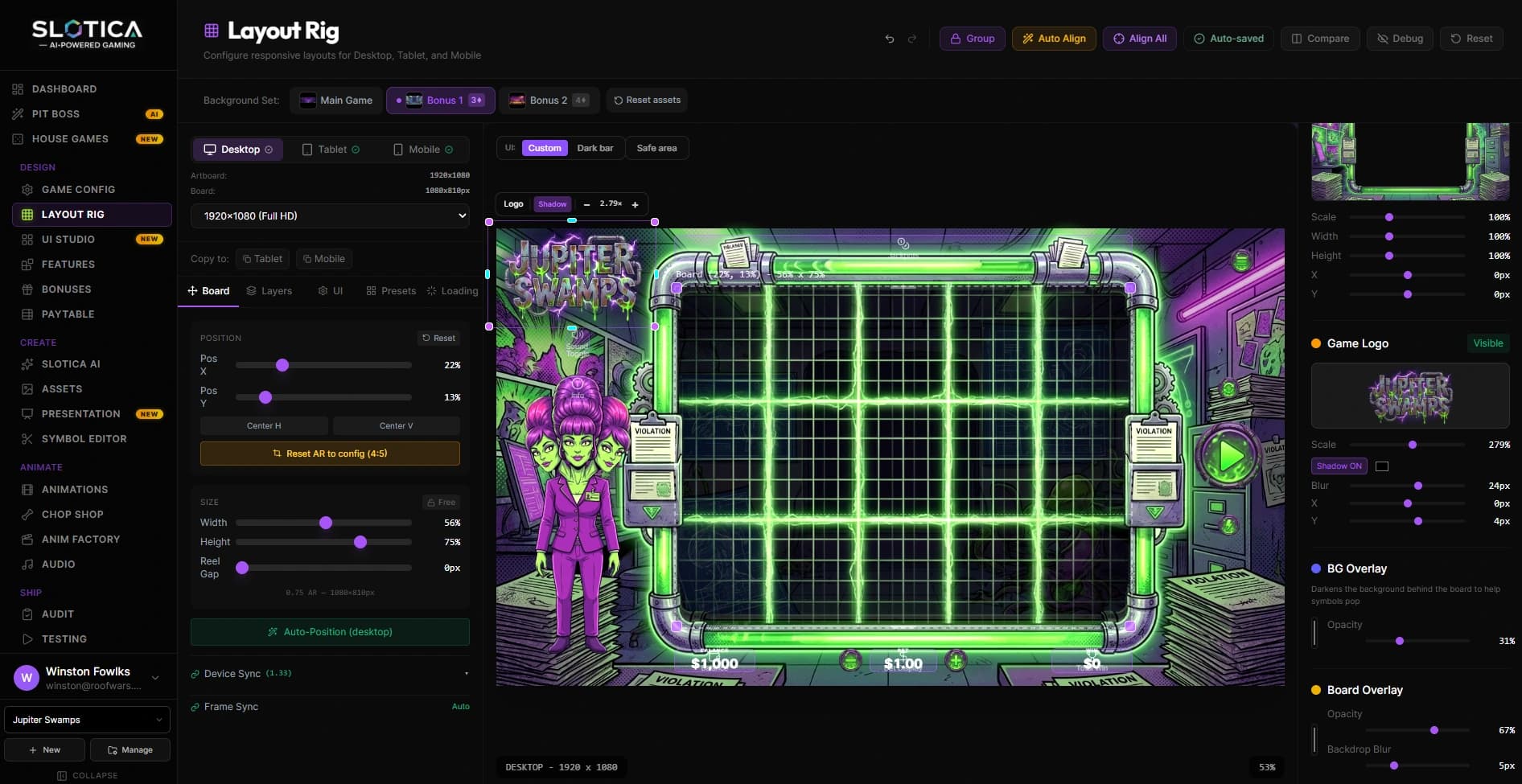
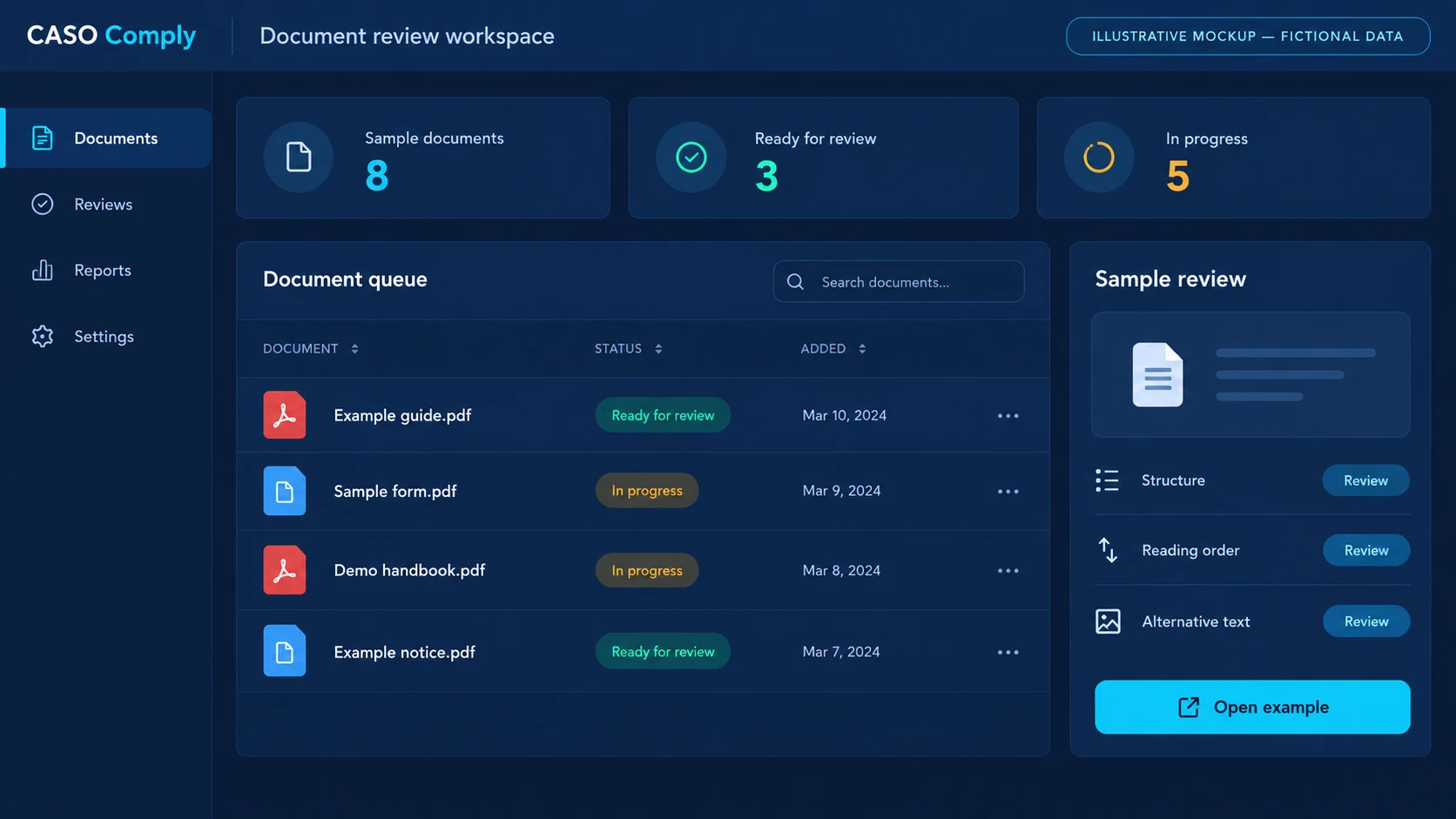
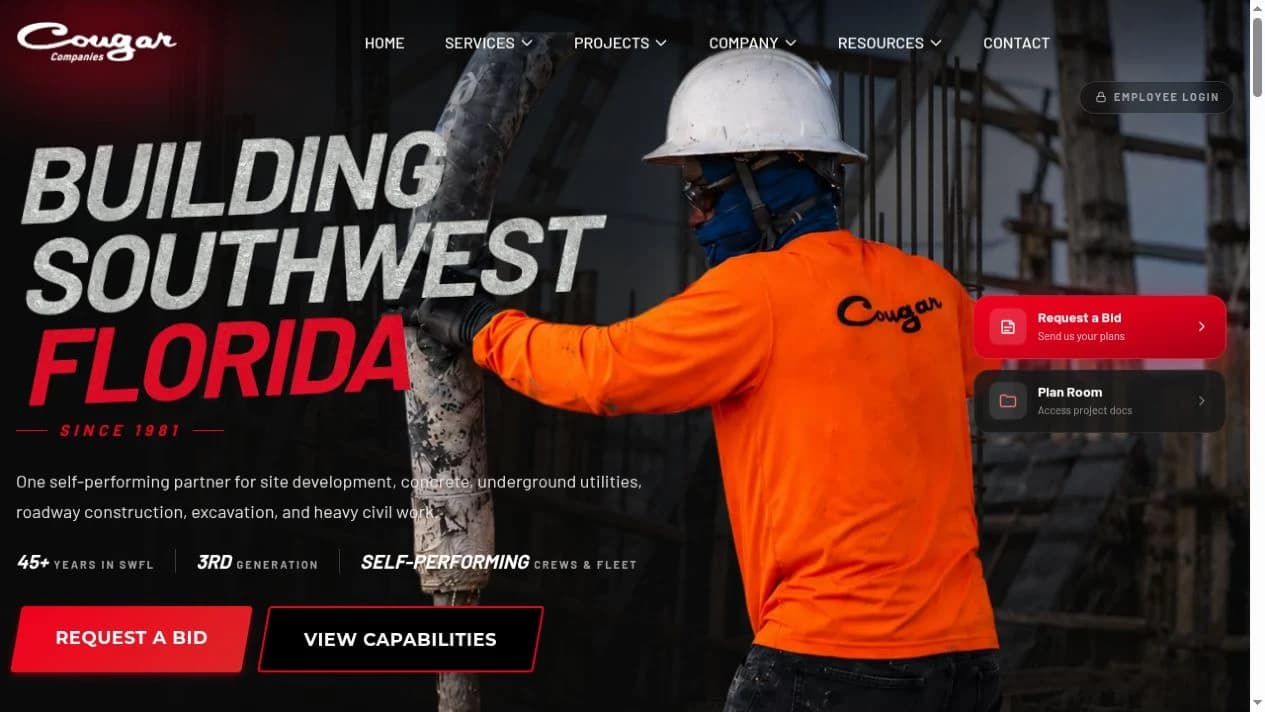
One Business. One System. illustrative workspace with fictional data

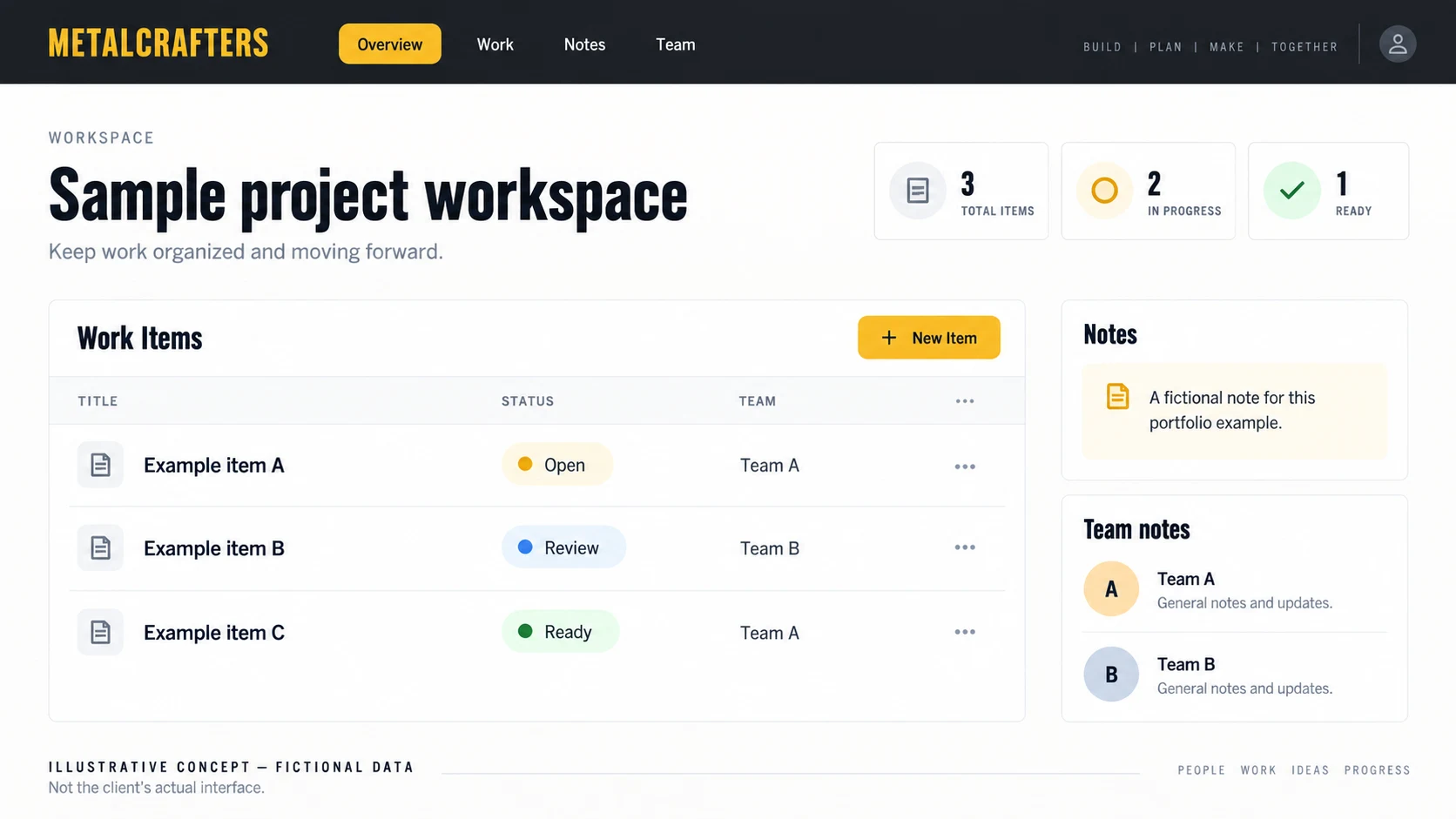
Illustrative concept with fictional data; not the client’s actual interface.

One Business. One System.

My largest custom CRM build to date, developed in collaboration with a confidential client. The illustration keeps the working system private.

Read the case study

How we work together

UNDERSTAND IT. BUILD IT.
KEEP IMPROVING IT.

  1. 01

    Understand the operation

    Walk through a real job, the tools involved, and the points where work slows down.

  2. 02

    Agree on the first scope

    Decide what to keep, connect, or build, with priorities and costs agreed before implementation.

  3. 03

    Put it to work and improve it

    Introduce the system in stages, learn from the people using it, and plan continued development.

Before we start

A FEW PRACTICAL
QUESTIONS.

Can you migrate data from our particular CRM?

I first need to inspect its export options, database access, and data quality. That determines the migration approach and any limitations. I do not promise a complete transfer before reviewing the source.

Should we buy another CRM instead?

Possibly. If an existing product fits the workflow and migration needs, it belongs in the comparison. Custom development makes sense when the business requirements justify owning a system built around them.

Will the entire business switch at once?

We plan the transition around your operation. A staged rollout is often useful, but some records and workflows need to move together. Diagnosis establishes those dependencies before a cutover is scheduled.

FLORIDA IS HOME.
THE WORK REACHES FURTHER.

Based in Jacksonville. Working with businesses across Florida and clients from New York to Florida.

Working together in FloridaJacksonville consulting

Have something in mind?

LET’S MAKE
IT MATTER.

A website with a point of view. Software that makes the day easier. Tell me what you’re working on.

Start a conversation