
Your phone
- Answers calls on its own number and takes messages
- Places calls for you
- Texts and voice notes on Telegram or WhatsApp, and it can reply by voice
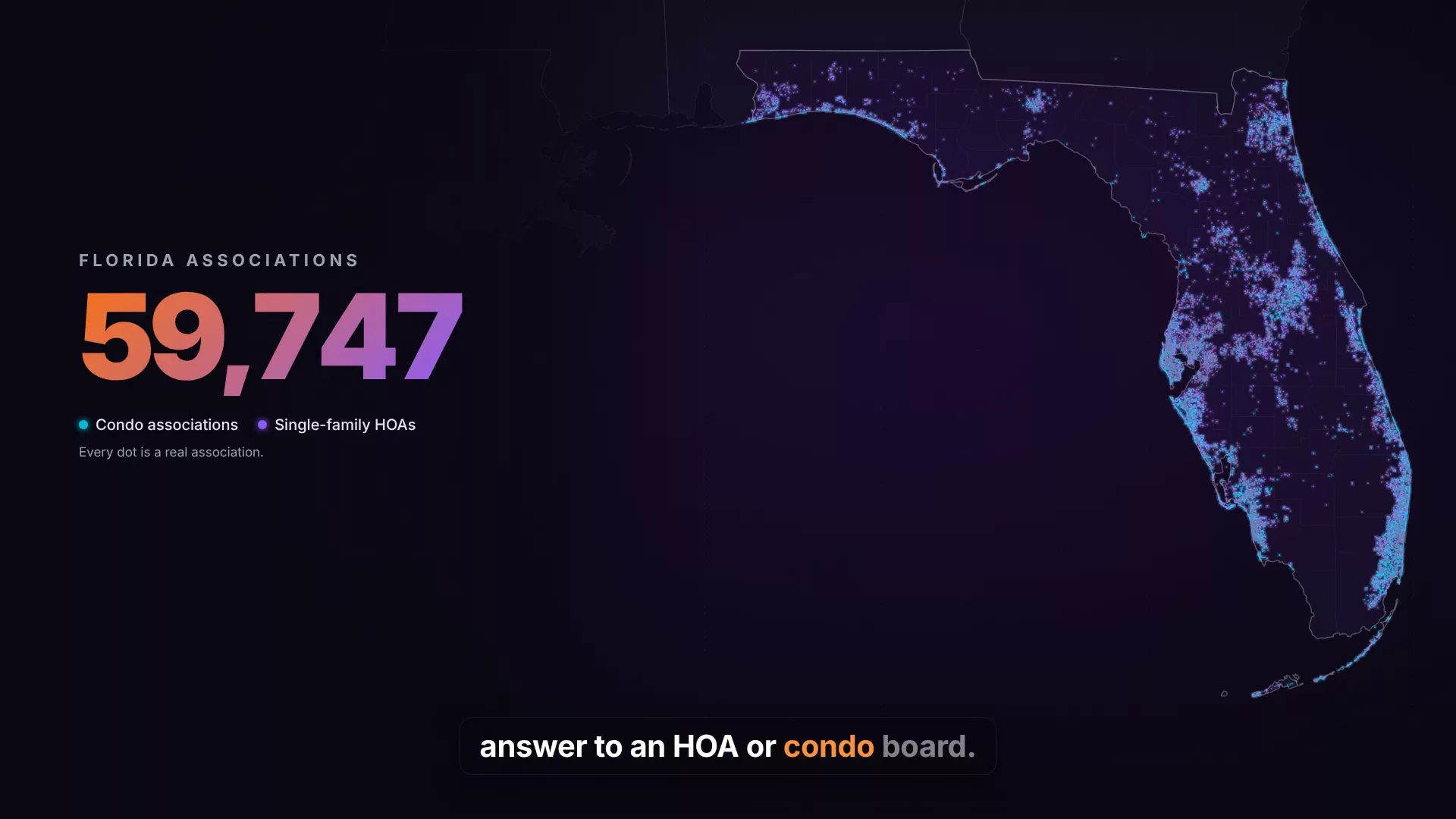
The workspaces behind the business. Custom operations software, admin dashboards, and connected public websites.
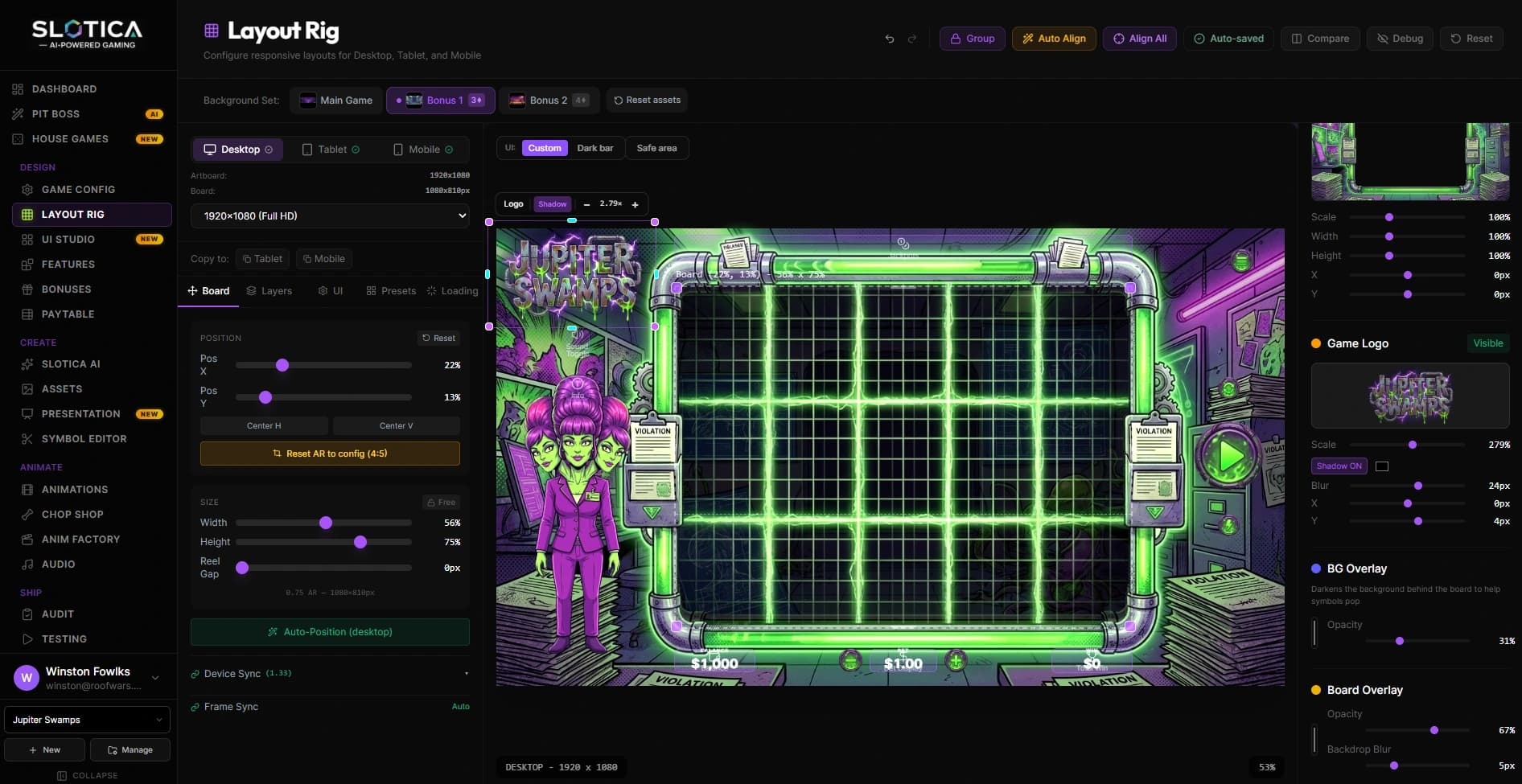
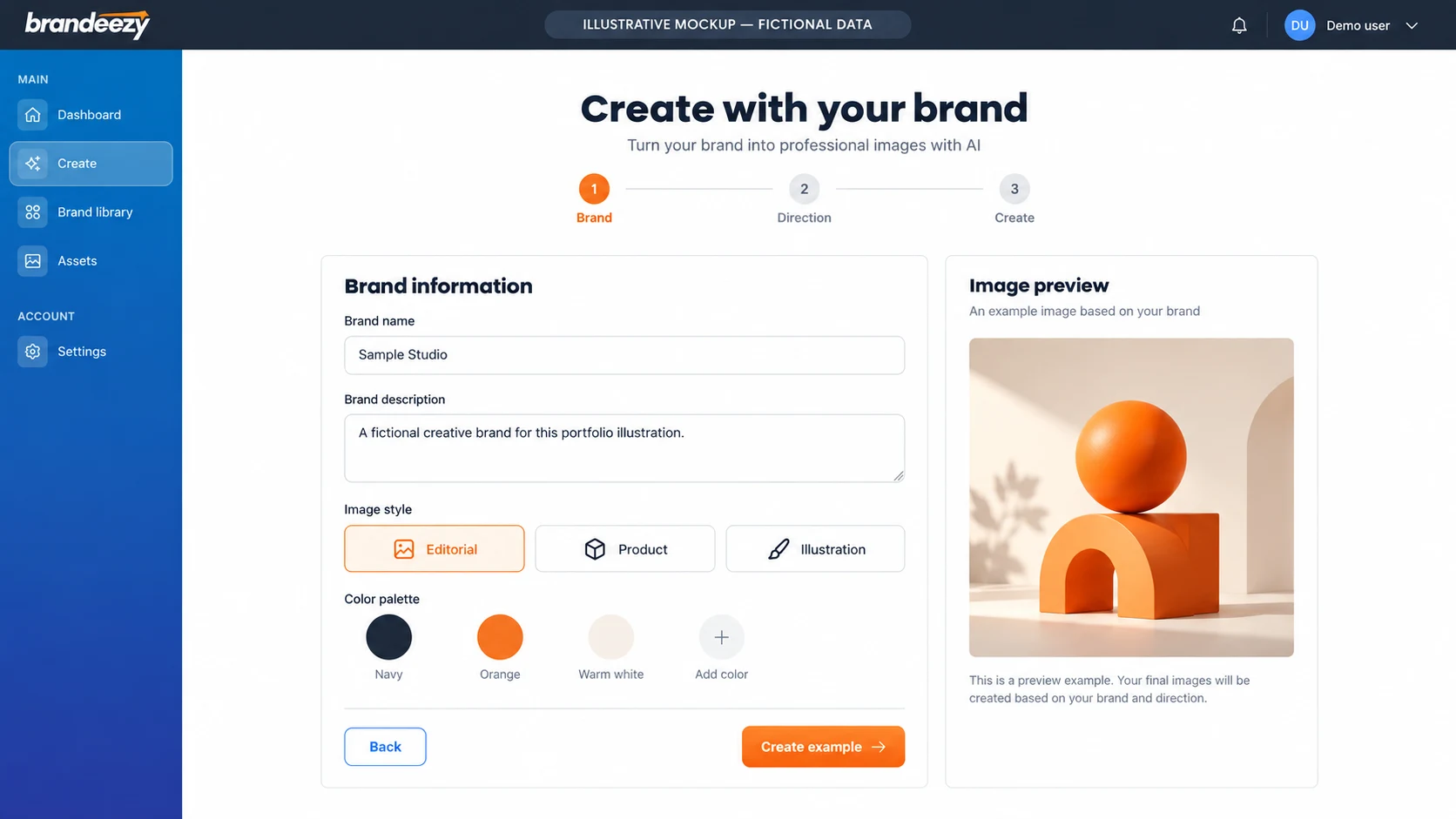
Products that give people tools to create: from brand imagery to playable game worlds.
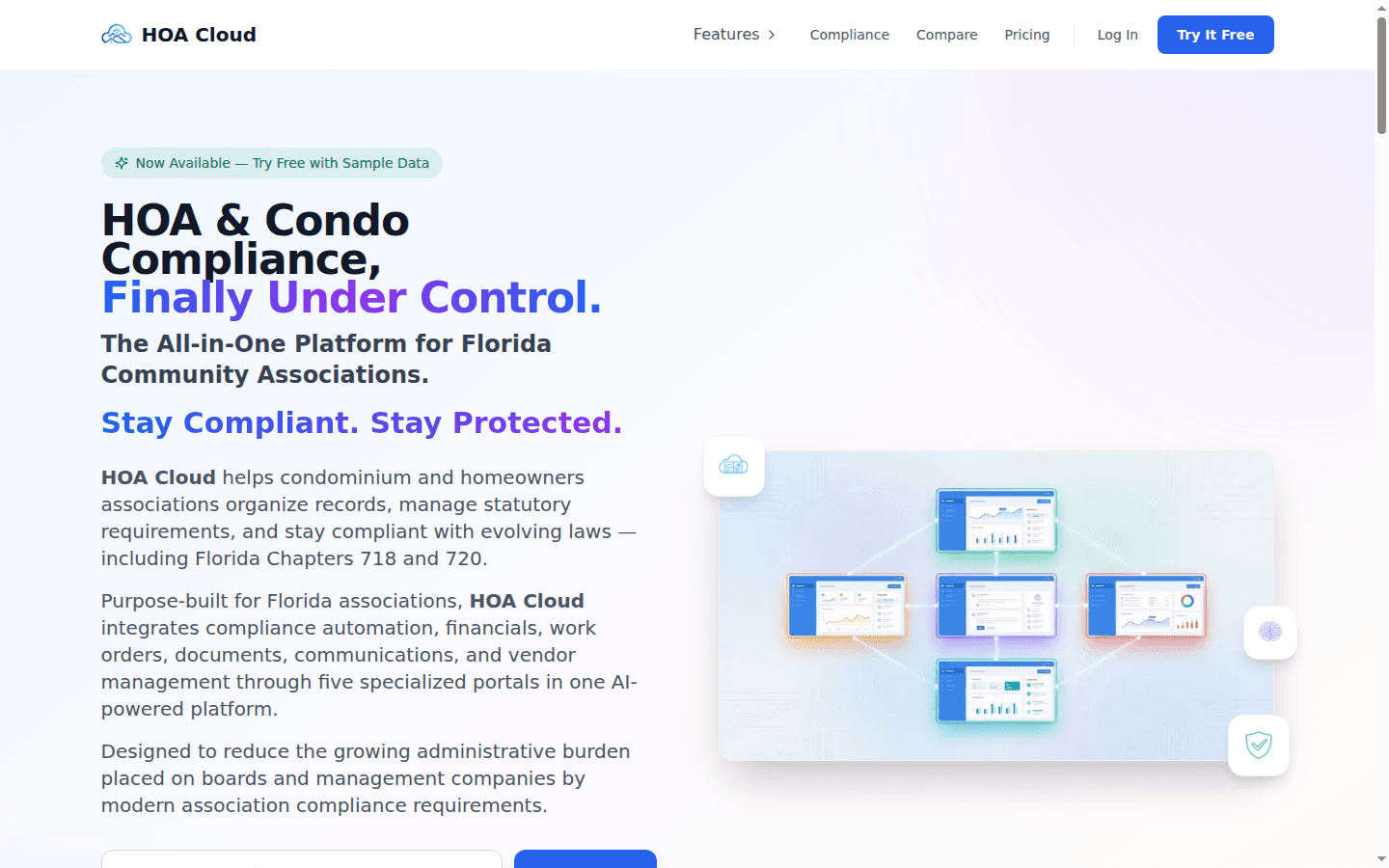
Products built around a particular world of work. Includes platforms I build or participate in as a product partner.
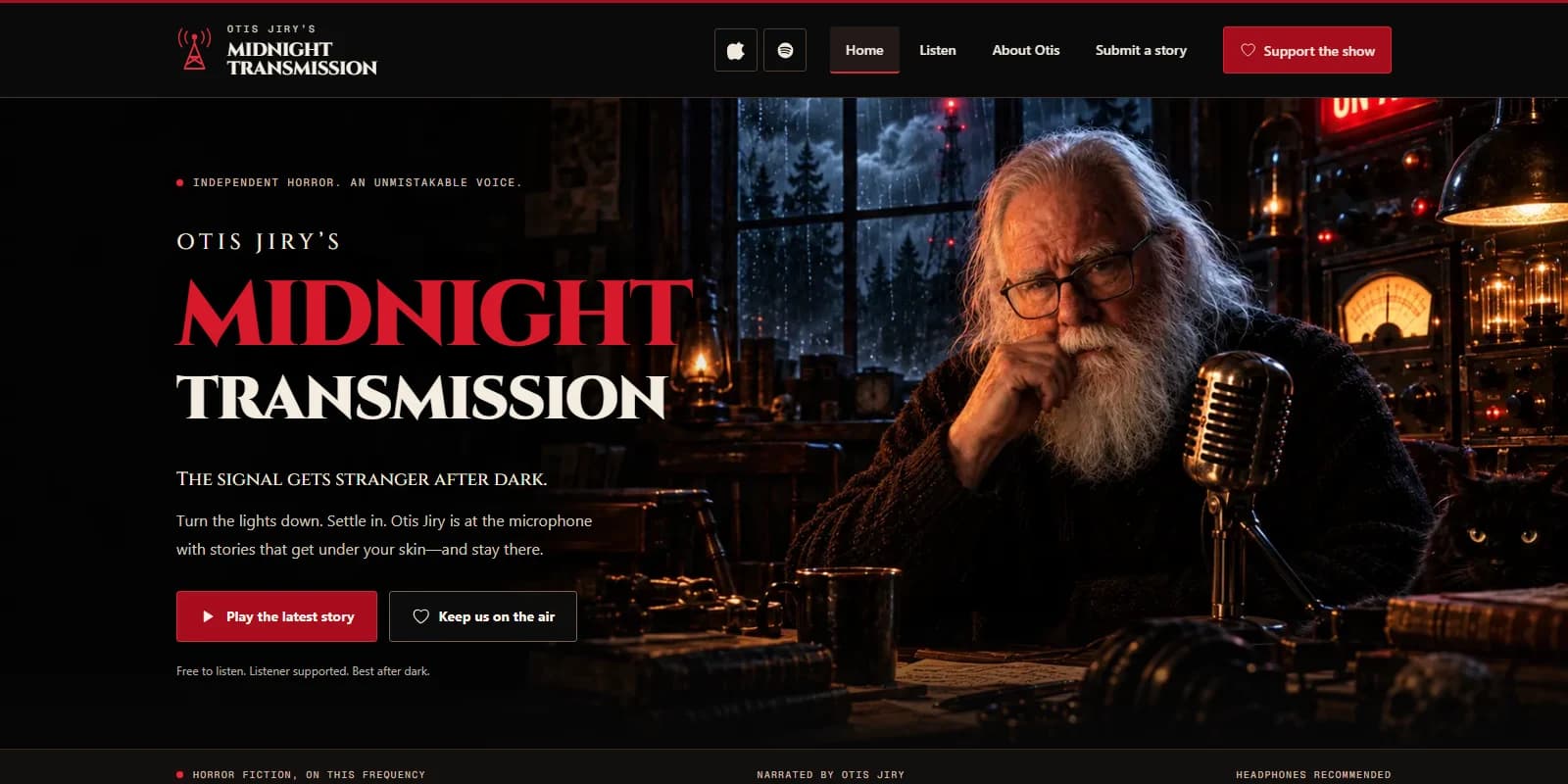
Public experiences with a clear identity, a useful journey, and a next step.
AI assistants for executives and teams
A personal assistant that lives on the phone you already use. Text it, send it a voice note, or call it. It works your inbox, your calendar and your task list, and Winston builds it, runs it and keeps it tuned.
Setup plus a monthly management plan, scoped after a short call.
01What it handles
02Running in production today
Not a demo. These assistants do real work every day, across phone calls, group chats, inboxes and task lists.
Chief of staff
Project manager
Household assistant
Marketing
03How it works
We talk through what eats your time, whether you run on Google or Microsoft, and the systems your day depends on. You leave with a clear picture of what your assistant would handle first.
Winston builds your assistant around that list: its phone number, its connections to your email, calendar and tools, and the rules for what it can do on its own.
You get your own onboarding page and a short video that walks through how to use it. Text it, call it, or send a voice note from day one.
Winston runs it and keeps tuning it as your work changes. New skills get added when the need is real, not before.
04Guardrails
An assistant is only useful if you can trust what it does. These are part of every build.
Have a few minutes?
Tell Winston what eats your time. He'll tell you plainly what an assistant could take off your plate, and what it shouldn't.
Book a call